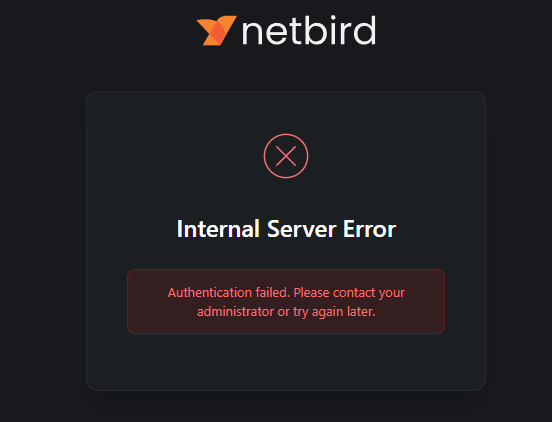
Got my first server up and running on Vultr. Local users seem to work, but I want to be able to do 2FA with my Microsoft accounts from my Office 365.
I followed the FAQ on Microsoft/Entra. Looks like I need Entra because it’s a 365 account, so I followed that. Now I see Entra as a login option. Click it, and it asks for a login. That all works and I have tested with good and bad passwords just to make sure it’s doing what it is supposed to. The problem in on successful login I get an internal server error.
I am wondering if its becuase I set up the user locally with the proper domain. Do Entra users need to be created as Entra users? I haven’t got the linking of Entra to work as it says I dont have the right licence to link jwt groups, but I didn’t think I needed one for simply integrating.
Got any logs? Errors in the compose? etc?
Sorry, should have posted. I got it figured out after switching to hosted. The setup is a little different, but going through it taught me a few things. Then it came time to put users on, and we found a flaw NetBird doesn’t have an answer to. We set them up with Entra, and it drops them to Microsoft for 2FA. But when a user is asked to reauth they often just put in their email, and it skips the 2FA. Netbird has no option to edit the login page on hosted instances.
On our self-hosted, we add Entra, then disable local login in the YAML, and it doesn’t even give them an option or a login page. The window that pops up is already at Microsoft. This is a way better option.
The instructions for Entra are all over the map, and when I have time, I am going to make a video guide, as it’s not hard but very confusing in the order it’s laid out in the wiki. Not to mention some of the slides look different now, and Microsoft has changed some wording.