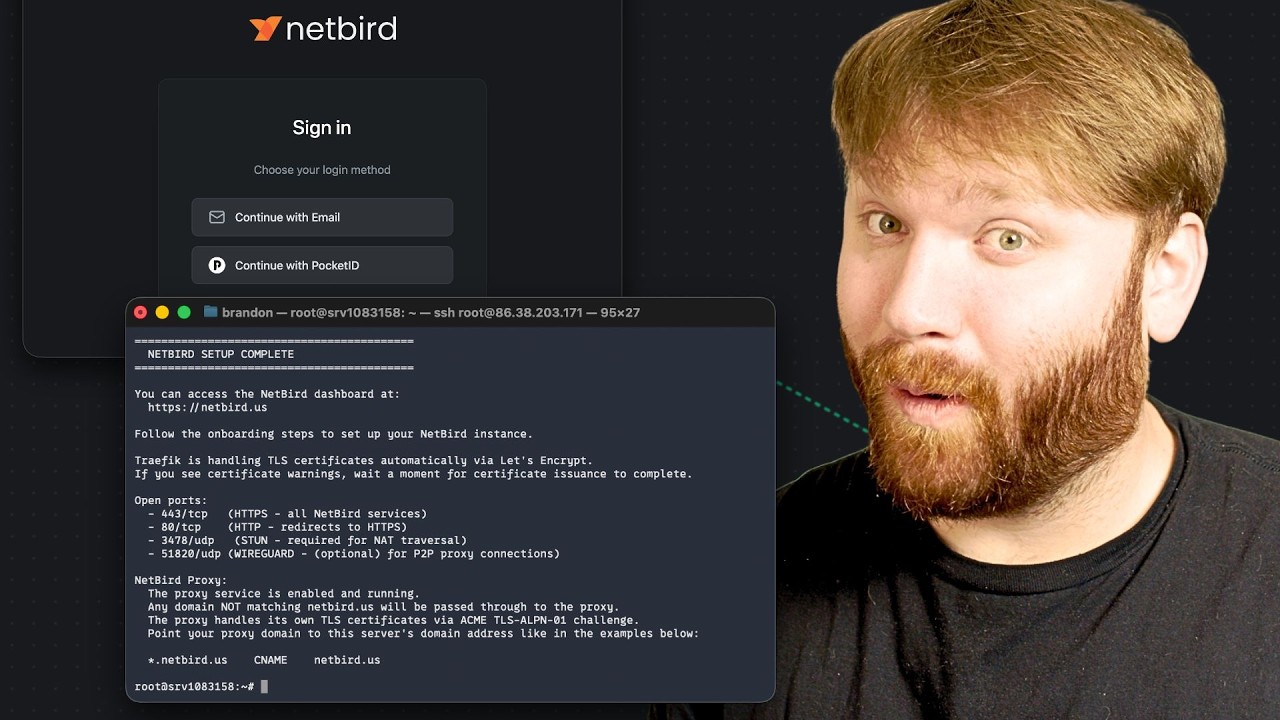
I set up Pocket-ID on my VPS like Brandon in this guide:
Now I have to questions.
-
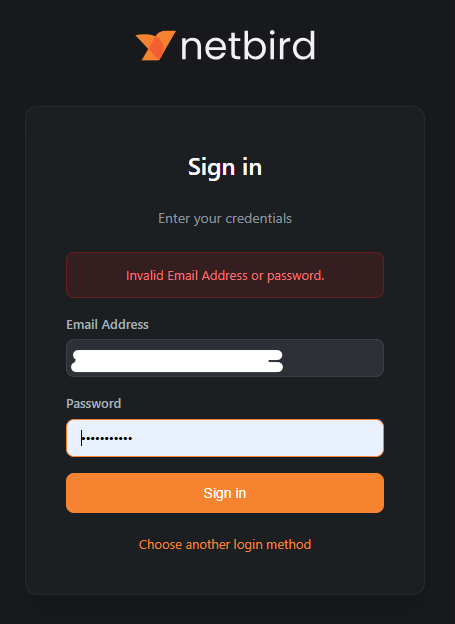
Is it right, that I only can use Pocked-ID login and the username / password login is not working any more?
-
I installed a NetBird-Client on this VPS, that I like to remove now. How do I remove that Client, that was installed via Linux Install Script?
I just tried this last week myself and it confused me for a bit to.
Basically, your Pocket ID user can only login with your Pocket ID passkey as Pocket ID doesn’t support passwords.
You can have another login on Netbird’s internal auth system but that will be a separate user from the Pocket ID login. If you want both passkey and password login you may want to try something like Authentik. I myself am using Nextcloud as my identity provider.
Hope I wrote that clearly enough. 
But the E-Mail / Password Login is a NetBird thing, not a Pocket-ID thing.
So it should be possible somehow.
Yes, but they end up as separate users - one logs in authenticating against Netbird, and the other authenticates against Pocket ID. I tested that scenario just last week.
You need an IDP that supports both passkeys and passwords. That’s why I switched away from Pocket ID as I have a couple of users that need both.