Fedora error while updating netbirb

Describe the problem

When I trying to update netbird on fedora kde 42, there is a signature error, Could you fix it?

Bad GPG signature found:

/var/cache/PackageKit/42/metadata/NetBird-42-x86_64/packages/netbird_0.52.2_linux_amd64.rpm could not be verified. /var/cache/PackageKit/42/metadata/NetBird-42-x86_64/packages/netbird_0.52.2_linux_amd64.rpm: digest: SIGNATURE: NOT OK

@juan_carlos_aguilar are you still facing this issue? Or has the package gpg been updated?

Yes, I’m still having the same issue with the KDE Discovery app manager.

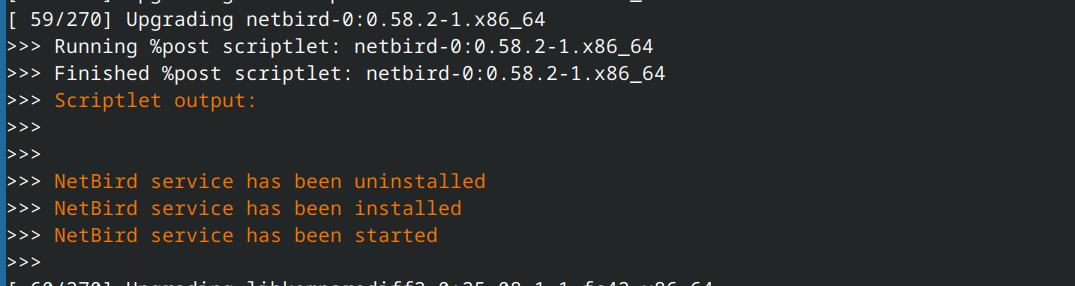
but it seems I can update netbird with “sudo dnf update” flawlessly.

I’ll refer this to the NB Team.

1 Like

Hi, any update on this? There are also multiple issues open on github for example: Bad GPG signature found: /var/cache/PackageKit/41/metadata/NetBird-41-x86_64/packages/netbird_0.35.2_linux_amd64.rpm could not be verified. /var/cache/PackageKit/41/metadata/NetBird-41-x86_64/packages/netbird_0.35.2_linux_amd64.rpm: digest: SIGNATURE: NOT OK · Issue #3140 · netbirdio/netbird · GitHub
This issue has been fixed in tailscale by signing the packages: Sign Fedora packages in addition to repo metadata · Issue #1882 · tailscale/tailscale · GitHub

Can you check if the issue happens when updating via terminal?

Updating via terminal is possible, as far as I remember it just skips the check. I don’t have updates available but will send a screenshot once I do

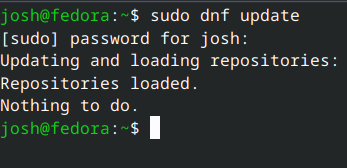
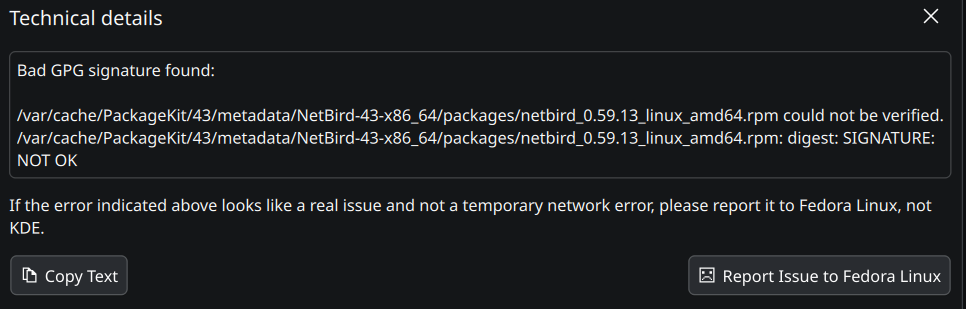
Hi, now updating via Terminal also isnt possible anymore, in discover it shows bad signature in terminal it shows nothing to do:

It doesnt allow me to put two screenshots, so here is the one from discover

It updates “flawlessly” because dnf skips the OpenPGP checks (default Netbird’s configuration), but I don’t think that’s the proper solution but signing the packages instead. This issue has been around for more than one year, at least. Could anyone from Netbird team please explain what’s the reason for not doing so? Thanks!
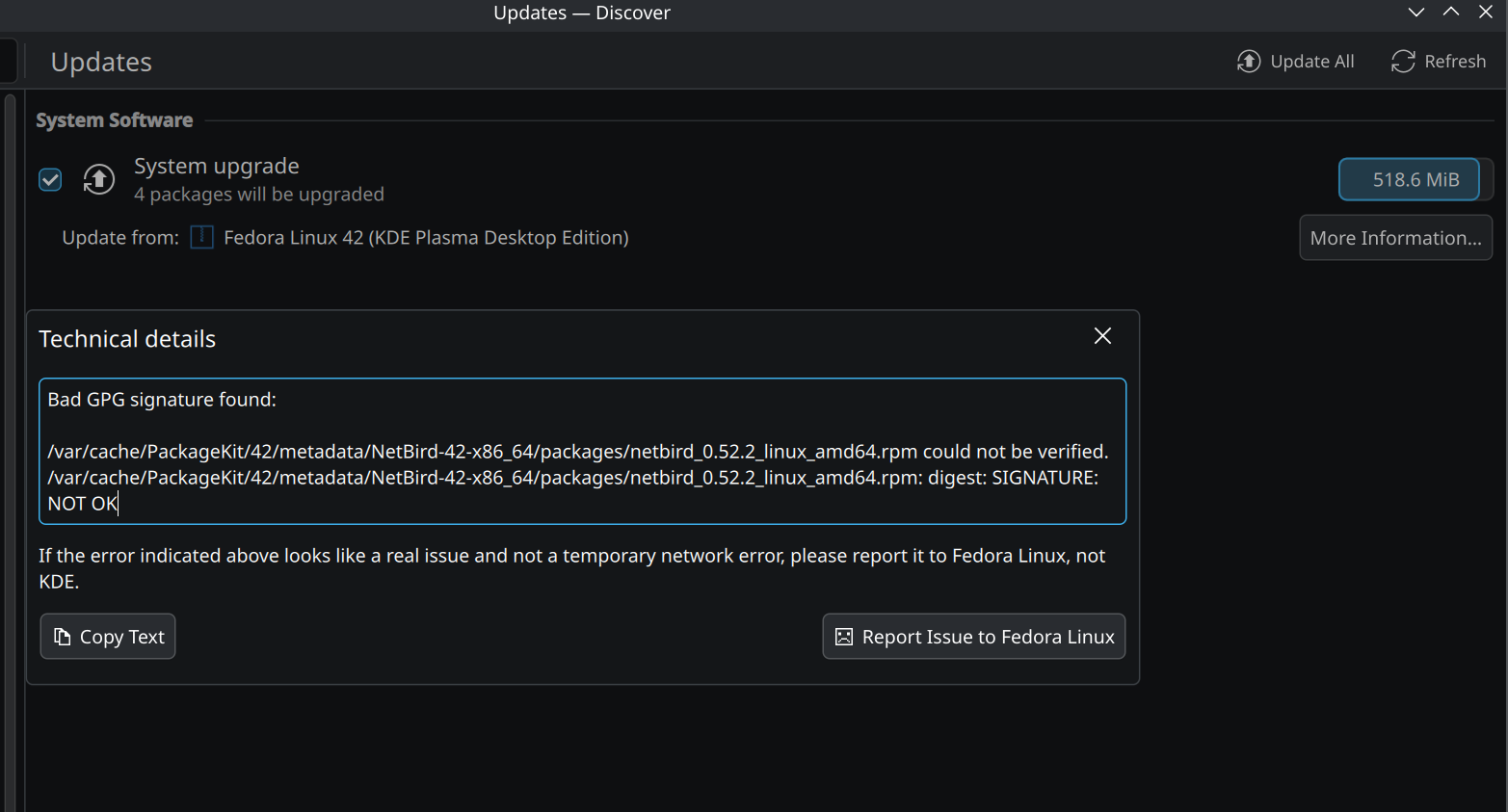
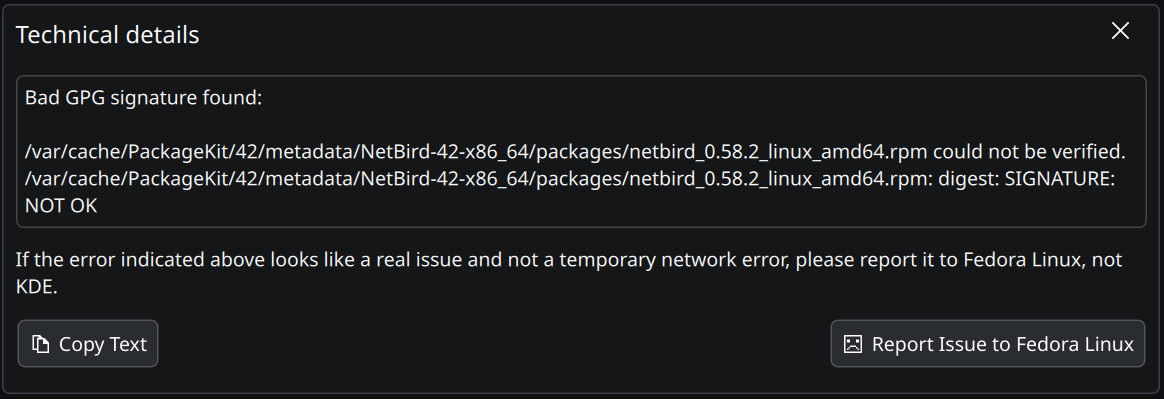
Same issue here on Fedora 43 KDE with Netbird v0.60.7 installed via the script (https://pkgs.netbird.io/install.sh)