Describe the problem
I have a proxmox vm that is connected to netbird. This client also used an exit node. ( server has some docker containers inside for example on port 3000, lingva). When netbird is up, i cannot reach these docker containets. As soon as netbird is down, i can access the dockers again.
To Reproduce
Create a client in linux.
Netbird up with exit node
Try to reach the server using local ip (10.0.20.100)
Expected behavior
Local.ip should work when server is in my local LAN even though netbird is.up.
Are you using NetBird Cloud?
Netbird cloud
NetBird version
0.54.0
Is any other VPN software installed?
No
Debug output
To help us resolve the problem, please attach the following anonymized status output
netbird status -dA
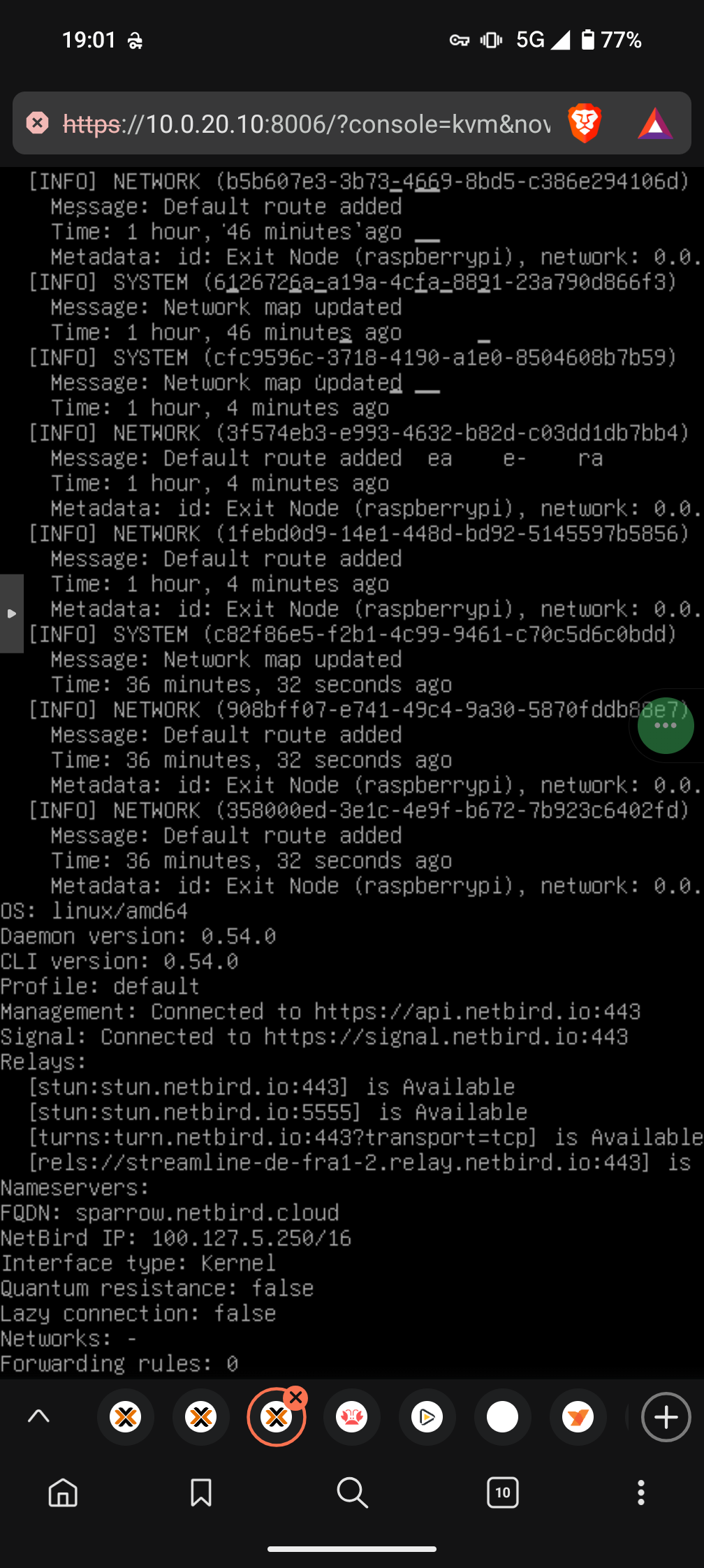
Create and upload a debug bundle, and share the returned file key:
netbird debug for 1m -AS -U
Uploaded files are automatically deleted after 30 days.
Alternatively, create the file only and attach it here manually:
netbird debug for 1m -AS
Screenshots
If applicable, add screenshots to help explain your problem.
Additional context
Add any other context about the problem here.
Have you tried these troubleshooting steps?
- Reviewed client troubleshooting (if applicable)
- Checked for newer NetBird versions
- Searched for similar issues on GitHub (including closed ones)
- Restarted the NetBird client
- Disabled other VPN software
- Checked firewall settings