Describe the problem
TL;DR:
The NetBird service does not start on macOS. It has been reinstalled multiple times—with all files cleaned out—yet it still fails to start.
…
I have two Mac systems: an Intel Hackintosh (i5-11400, 32GB RAM, highly optimized) and an M1 MacBook, both in Tahoe (26.5.2). I installed the Netbird desktop client on both but tried to launch the server using a Stack (Compose) in Portainer. The server didn’t start up correctly, so I ended up uninstalling Netbird from both systems.
On a second attempt, I installed the server using the script; this installed correctly and is 100% operational. I then reinstalled the Netbird desktop client on the Macs, but both are experiencing the exact same problem.
I’m not sure if it was caused by the initial uninstallation of the desktop client, but I believe the issue appeared from the second installation onwards. Or it happened because the device session expired.
I have uninstalled the NetBird desktop client multiple times, removing all files—including daemons, the /var/run/netbird.sock file, and logs. I searched the entire system for any Netbird-related files to ensure a clean slate. I tried uninstalling simply by moving the app to the Trash, but I also tested using App Cleaner & Uninstaller (Nektony) a few times.
I reinstalled using the .pkg installer, Homebrew, and the script, but the same problem occurred on both computers every time.
I tried launching it via the command line using netbird up --management-url https://netbird.mydomin.com. It doesn’t work, it loops the error below:
“2026-07-28T05:25:10.697-03:00 INFO ./caller_not_available:0: 2026/07/28 05:25:10 WARNING: [core] [Channel #1 SubChannel #2] grpc: addrConn.createTransport failed to connect to {Addr: “/var/run/netbird.sock”, ServerName: “localhost”, Attributes: {”<%!p(networktype.keyType=grpc.internal.transport.networktype)>“: “unix” }, }. Err: connection error: desc = “transport: Error while dialing: dial unix /var/run/netbird.sock: connect: no such file or directory””
To Reproduce
Steps to reproduce the behavior:
- Install Netbird on macOS via .pkg, Homebrew, or script.
- Wait for the device sessions to expire..
- Uninstall Netbird on macOS, .pkg, Homebrew, or script.
- Install again Netbird on macOS via .pkg, Homebrew, or script.
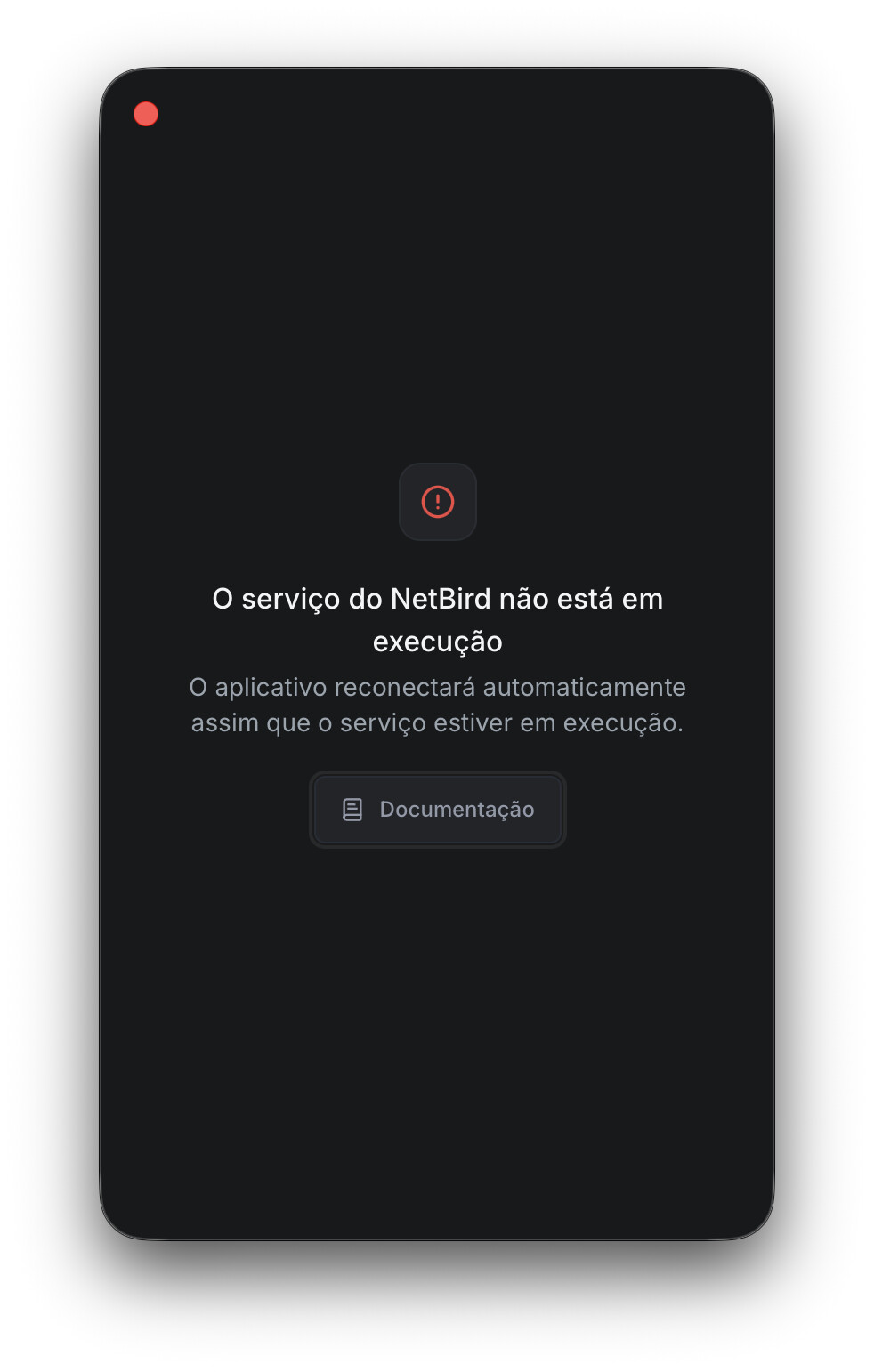
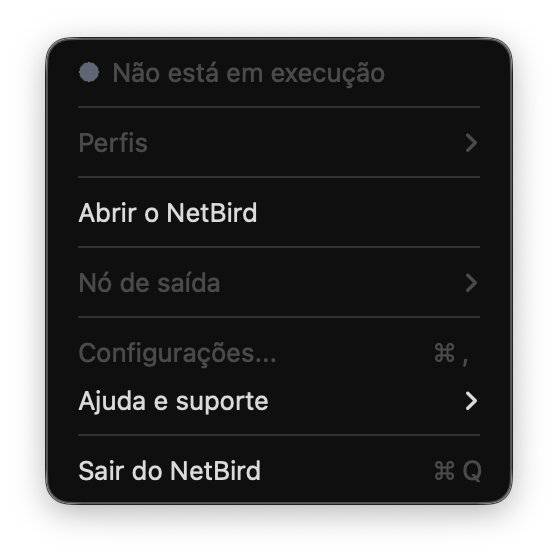
- Open the application (UI) and notice that it fails to connect and does not authorize the connection to the server. The options remain grayed out.
Expected behavior
Upon installation, the application should connect to the NetBird service to allow the user to connect to the server. The connection options are grayed out.
Are you using NetBird Cloud?
Self-host NetBird. It has been tested, and the server is not the problem.
NetBird version
0.75.0 - It also had a problem in version 0.74.7.
Is any other VPN software installed?
Yes.
VPN: Tailscale
Proxy: AdGuard
Filter: FireWally
Firewall: No firewalls
All of them were disabled and even uninstalled to check if they were the problem. They weren’t.
Debug output
In loop:
2026-07-28T04:28:33.874-03:00 INFO ./caller_not_available:0: 2026/07/28 04:28:33 WARNING: [core] [Channel #1 SubChannel #2] grpc: addrConn.createTransport failed to connect to {Addr: “/var/run/netbird.sock”, ServerName: “localhost”, Attributes: {“<%!p(networktype.keyType=grpc.internal.transport.networktype)>”: “unix” }, }. Err: connection error: desc = “transport: Error while dialing: dial unix /var/run/netbird.sock: connect: no such file or directory”
Create and upload a debug bundle, and share the returned file key:
netbird debug for 1m -AS -U
Look the error:
netbird debug for 1m -AS -U
Error: failed to connect to daemon error: context deadline exceeded
If the daemon is not running please run:
netbird service install
netbird service start

netbird service install
Warning: failed to load saved service params: read service params /var/lib/netbird/service.json: open /var/lib/netbird/service.json: permission denied
Error: install service: Init already exists: /Library/LaunchDaemons/netbird.plist

netbird service start
Error: start service: "launchctl" failed with stderr: Warning: Expecting a LaunchAgents path since the command was run as user. Got LaunchDaemons instead.
`launchctl bootstrap` is a recommended alternative.
With sudo:
sudo netbird service install
Password:
Error: install service: Init already exists: /Library/LaunchDaemons/netbird.plist

sudo netbird service start
Error: start service: "launchctl" failed with stderr: Load failed: 5: Input/output error
Try running `launchctl bootstrap` as root for richer errors.
Alternatively, create the file only and attach it here manually:
netbird debug for 1m -AS
Error: failed to connect to daemon error: context deadline exceeded
If the daemon is not running please run:
netbird service install
netbird service start
Screenshots
My NetBird is in Brazilian Portuguese.
Print 1 - Main Window
Print 2 - App in Menu Bar
Additional context
This topic, https://forum.netbird.io/t/is-anyone-else-experiencing-a-ui-bug-in-macos/462/7, seems to have had the same problem, managed to fix it with installation via brew, but in my case it didn’t work.
Have you tried these troubleshooting steps?
- Reviewed client troubleshooting (if applicable)
- Checked for newer NetBird versions
- Searched for similar issues on GitHub (including closed ones)
- Restarted the NetBird client
- Disabled other VPN software
- Checked firewall settings